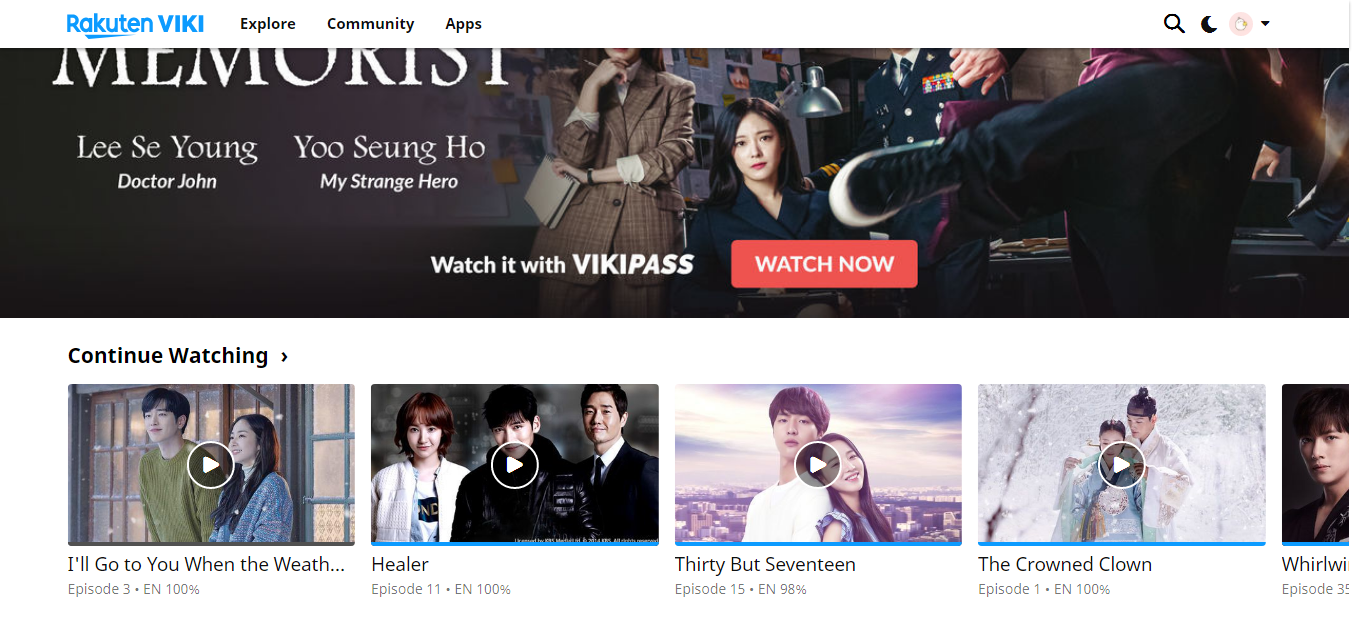
I could not access any drama when I click on its thumbnail on the landing page. I tried many dramas and the same result happens.Upon a click, it brings me to a blank site with this message:
When this happens, I can still access the dramas from my watch history, have you tried that?
It’s been happening several times a few days in a row, only at night time (GMT).
Sadly, it seems to me that Viki is having a lot of issues right now! I hope they can manage to fix it, soon!
I believe this happened in my Opera browser also… can’t say for sure though since I recently switched from chrome, hoping I’d get fewer bugs.
UPDATE: Yup, it’s happening right now for me, in my Opera browser.
I had this couple days ago… I wonder if streaming websites are throttling or reducing availability as we read about NF… not sure if it is in the making yet. It’s because of home office worldwide.
when I had that error, nothing would work nor logout or login after. I use Opera browser.
Watch history? Do you mean via the app? No, I haven’t tried that. I did try to access my profile page to get to the dramas but the same screen is shown.
For me it worked if I just clicked right into the episode, but I couldn’t get anywhere if I clicked on the “continue watching”-text. So that at least allowed me to get into the shows I’d recently been watching.
I thought the various big providers have committed to more bandwidth with no limits and at no extra cost during this period? Or was that just lip services?
I have no probs with other sites, though. If they really are throttling at this period of time, it’s really a big shame. Shame ■■■■■! It is now when ppl need to be distracted in good and safe ways, and keeping ppl home with access to internet for work, games or entertainment, etc., is a good civil service. We need such services more than ever now.
I guess I can just swim and not worry about work of any kind? lol.
BUT I need my dramas and need to access channels.
Ah… I clicked on this just as you mentioned. I could get to the video page. But, the minute I click to watch, it brings me back to the same blank page with the same message.Oh well, I’ll chill for now. I’ll just watch on TV with casting via the mobile app.
I don’t know 100% since there is so much in the media, one day this next day that… it’s getting difficult, I just know my son working from home that the access on the company’s server is at times very slow. So far I haven’t experienced any bad low speed in general except the total the error page overnight and login access into discussions last week. This error might be temporary… hang in there even if it’s frustrating
It happened to me too the other day so I hit the ‘‘back arrow’’ and it went back to the drama I was watching and everything started back to normal. It happened again today so i went to ‘‘history’’ and click on the earlier links that I was watching the drama and it started to work again.
I believe I read a few days ago that they would be working on fixing the issues with Chrome and I think that’s what they doing now. Hopefully is a fast bug going around and won’t linger around much longer. Uploading the page didn’t work for me.
PS I noticed it happened to me when I ‘‘jumped’’ episodes or too many 10 seconds at one time (those words appeared) but I do ‘‘back arrow’’ and go back to the drama.